A listening queue can become the audio equivalent of a drawer full of things you meant to sort. There are promising episodes, saved albums and one playlist you open because it is already there.
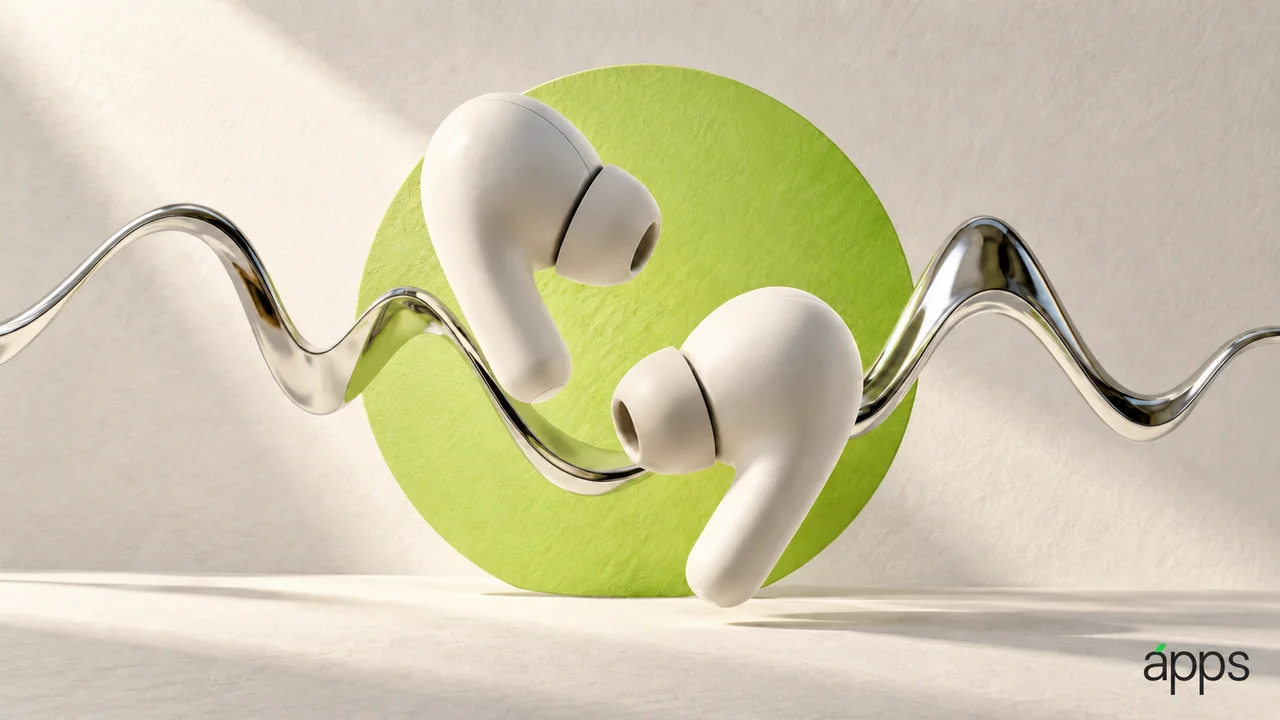
AirPods 5 arrived in stores on September 18. Apple’s product page describes an open-ear design with Active Noise Cancellation. It distinguishes the Wireless Charging Case version, which includes volume swipe, from the standard version. Fit and your listening preferences remain personal.
The AppleApps take
Build a queue around three moments rather than three genres. Something for a familiar journey, something for a task that welcomes background music, and something you deliberately want to listen to closely.
Each moment has a different requirement. A long interview might suit one journey and be irritating for a five-minute errand. A new album might deserve your attention instead of becoming an unnoticed soundtrack to email.
Keep the queue short enough to choose from. You are arranging the next few listening opportunities, rather than cataloging everything you might enjoy one day.
Choose the listening mode with the moment
Before starting playback, consider what is happening around you and how much attention it needs. Use a setting that fits the situation and your device’s available controls.
When trying a new pair of earbuds, judge comfort during ordinary use rather than assuming a product description settles it. Notice whether you can operate the controls you expect to use without repeatedly reaching for the phone.
Check the exact model and case when reading feature descriptions. Similar names can conceal differences that matter to a daily routine. For any connected service or language feature, inspect the conditions shown for your region and devices instead of relying on a general headline.