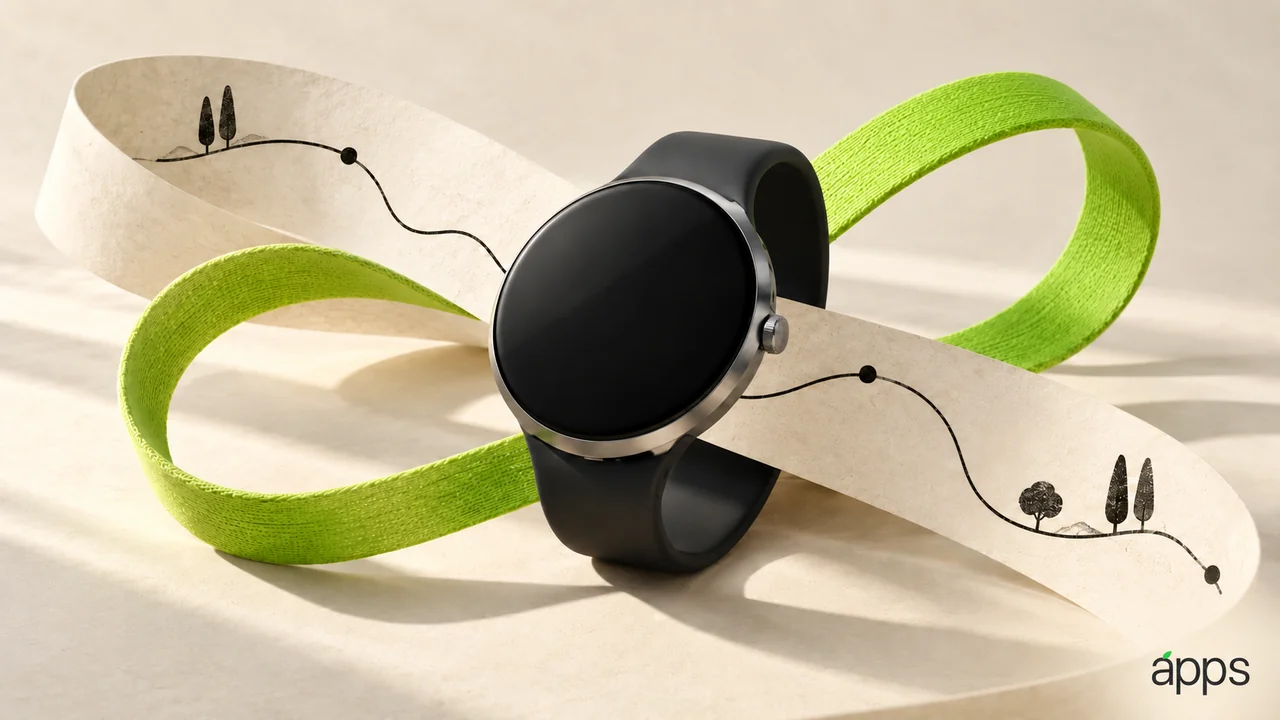
The watch is the screen that can interrupt a conversation without leaving your wrist. That makes its app selection unusually personal. Every small alert gets a very direct route into your day.
Apple Watch Series 12 reached stores on September 18. Apple’s current product page includes the new Siri Modular face and quotes up to 24 hours of normal use, under its testing conditions. Use the launch as a chance to make the watch’s everyday role clearer.
The AppleApps take
Choose three wrist jobs before choosing three wrist apps. One might be recording an activity you already do. Another might be seeing the next important appointment. A third could be responding to one person whose messages matter promptly.
The useful distinction is between a brief interaction and a reason to start browsing. If checking something takes you into a long chain of taps, consider whether the phone is a better place for that task.
A watch face can follow the same principle. Give its most visible space to information you use in the next few minutes. A crowded face may look capable while leaving you searching for the one detail you wanted.
Let a reminder earn its place
Before accepting another reminder, name the action you would take when it appears. “Stand up and collect the item by the door” is clearer than a vague prompt that keeps becoming background noise.
If an alert repeatedly arrives at an awkward moment, change the routine or remove it. The goal is a useful relationship with the device. Keeping a reminder forever because you once enabled it is a weak reason to keep being interrupted.
For a workout app, begin with an activity that already belongs in your week. Learn the basic start, stop and review sequence before adding a more elaborate setup. You can decide later whether additional information is useful to you.