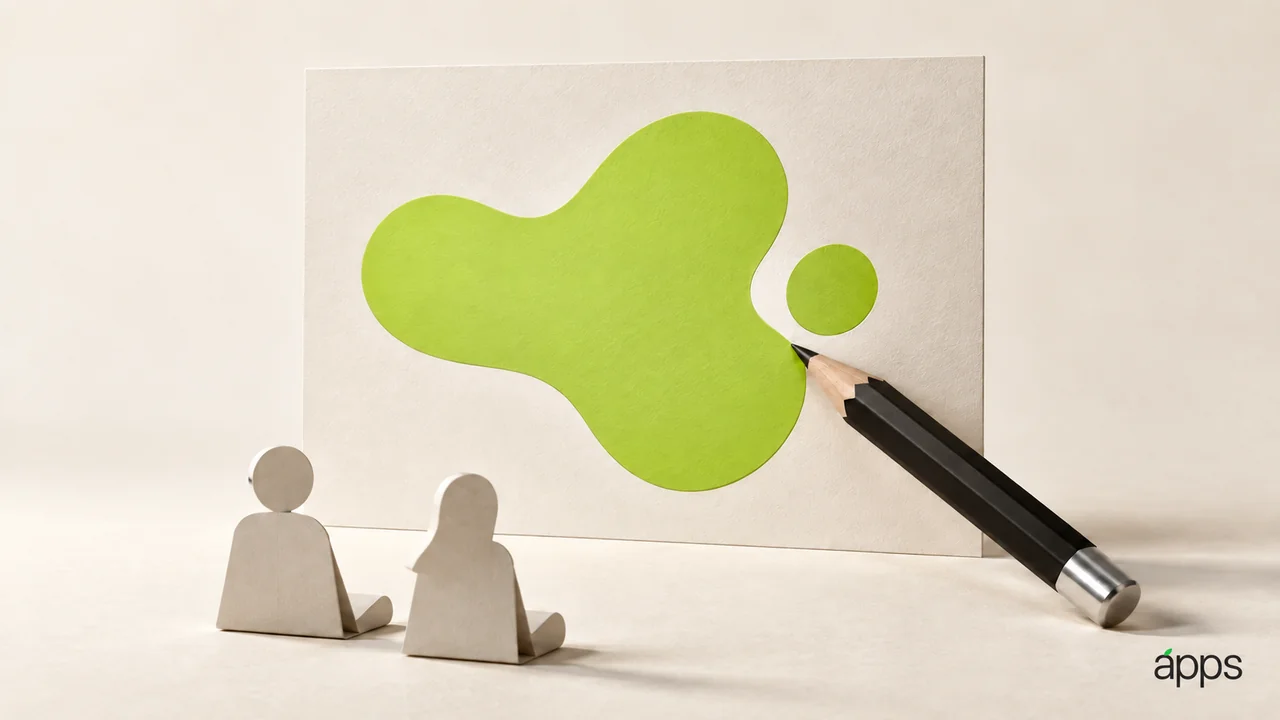
Apple announced tailored image generation for Keynote's intelligent slides on 29 September 2026. Announcement.
Check the current feature access for your subscription before planning client work around it.
A picture can give a slide an immediate mood. It can also give the audience something attractive to look at while the argument quietly disappears. The useful question is not whether the image looks impressive. It is whether the idea becomes easier to understand.
Write a brief before making a picture
Take a slide you already need. Write its central point in one sentence, then describe what a visual should help the audience notice.
For a proposal about a calmer customer experience, an abstract concept image might establish a tone. For a claim about revenue, a generated scene cannot replace the numbers. Decide whether you need illustration, evidence, a diagram, or no image at all.
Keep that distinction in the brief. Name the audience, the intended message, the mood, and anything the image must avoid. You are trying to make a communication decision before you make an aesthetic one.
Review the image as part of the slide
Put the result beside the words and look at the whole composition. Does the eye go to the essential point? Is there enough room for readable text? Does a decorative detail suggest something the presentation never actually claims?
Inspect any pictured objects and people. If the image implies a real product, customer, event, or outcome, ask whether that implication is accurate and appropriate. Clearly describe conceptual imagery as illustration when an audience could mistake it for evidence.
Check the final presentation in the conditions you expect to use. A picture that works on your laptop may need a different crop or less surrounding text in a meeting room.