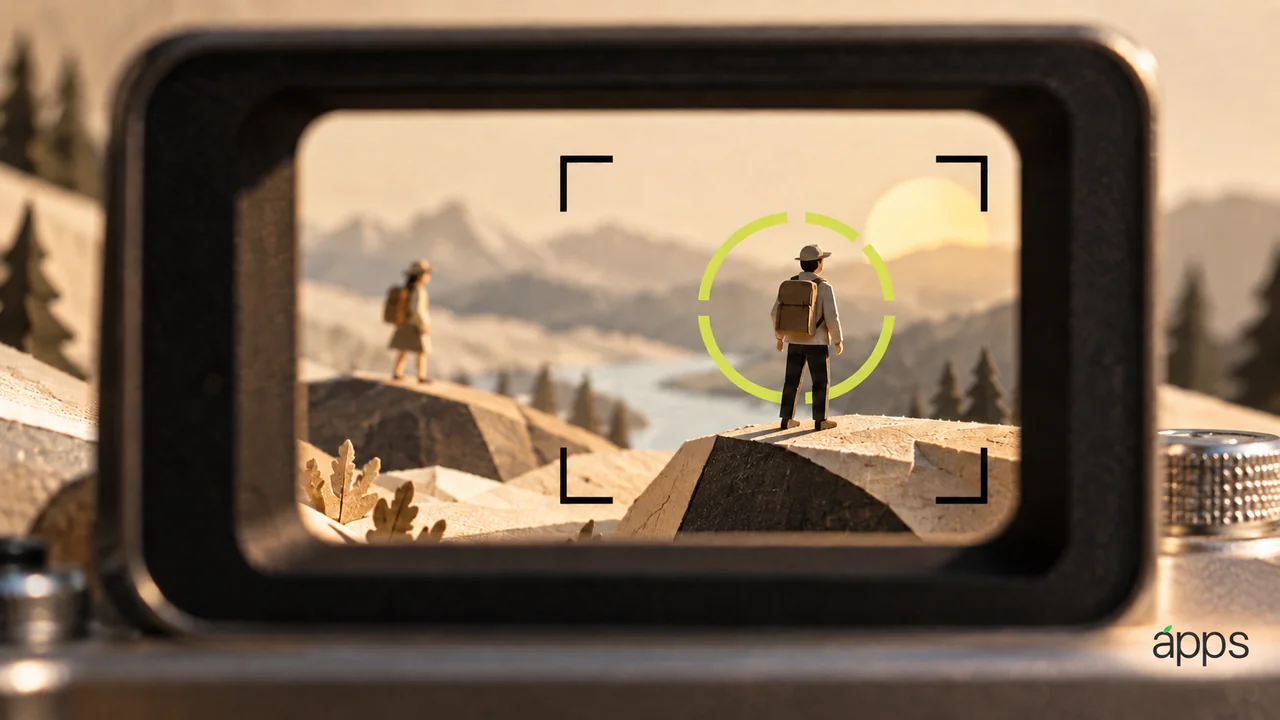
In a conversation scene, the important person can change without moving very far. A look, a pause or a response tells the audience where the story has gone. Focus is one way to guide that attention.
Apple’s September 29 Final Cut Camera update adds Cinematic mode effects for regular iPhone 18 Pro video, including ProRes and Apple Log. Its Creator Studio announcement describes adding effects with Final Cut Pro and Motion on Mac. Focus points and depth of field can be adjusted in the Final Cut Pro timeline.
The AppleApps take
An editing option is most useful when it serves a decision you can explain. The question is who or what the viewer should notice at this moment.
Start by watching a short scene without making changes. Write a one-sentence description of its turning point. If you cannot identify one, a more dramatic focus effect may be decoration rather than storytelling.
Choose a section where attention genuinely shifts. Make one version with a restrained adjustment and keep an untouched version for comparison. View both in sequence and ask which makes the intended moment easier to understand.
Leave yourself choices
Before recording, think about the relationship between the important elements in the frame. An editing control can offer flexibility, but it does not supply a clear composition or an understandable scene by itself.
Keep the source material and make the experimental edit in a separate version of the project. Give the versions names that describe the decision, such as “speaker first” or “reaction first,” rather than a sequence of files called final.
That habit makes comparison easier and gives a collaborator something concrete to discuss. They can respond to the intention instead of trying to guess why an effect was added.