A camera setting becomes easier to understand when you can see what it changes in a familiar scene. You do not need an elaborate shoot. An object on a table, with a few recognizable details behind it, can be enough.
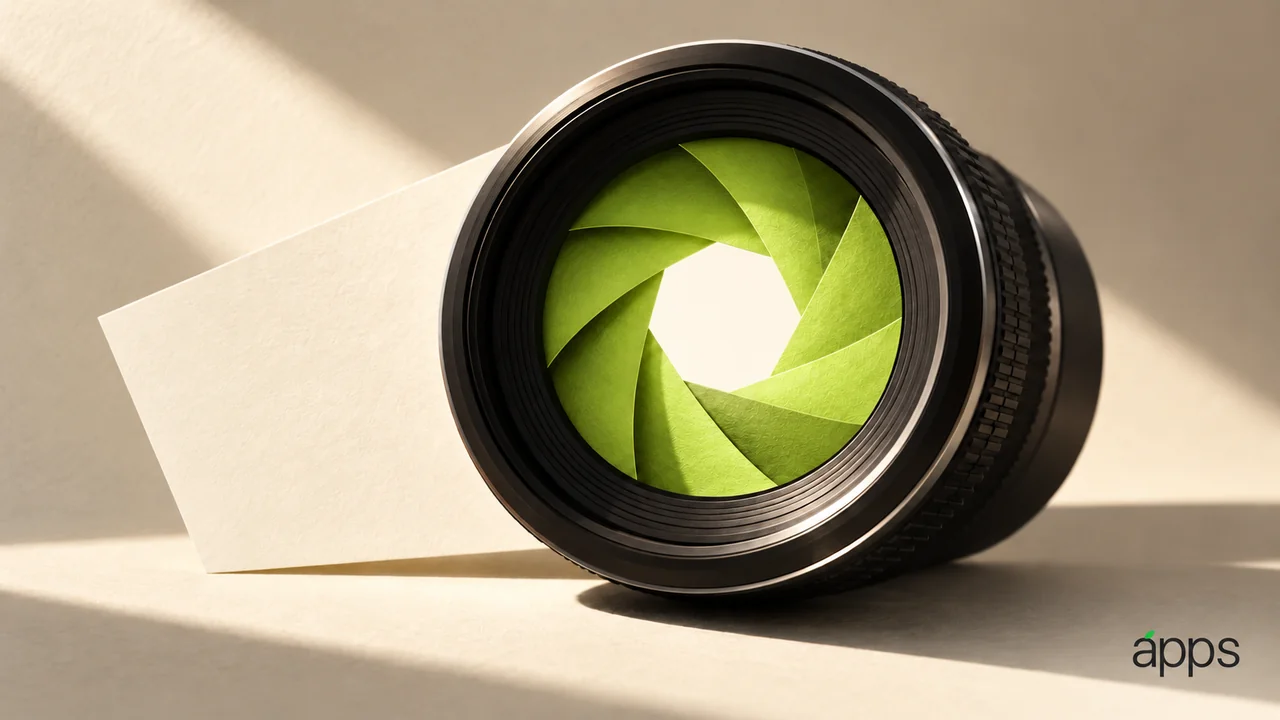
Apple’s September 29 Final Cut Camera announcement introduced version 2.4 as a free update. Its release notes specify variable aperture from f/1.48 to f/4 with aperture-priority, shutter-priority and manual modes on iPhone 18 Pro.
The AppleApps take
The useful part is having another deliberate choice about the image. Before changing a control, decide what you want the viewer to notice.
Perhaps the object matters most. Perhaps the surrounding workspace tells the story. Those intentions are more useful starting points than choosing a setting because it sounds professional.
Aperture is one part of a larger exposure and focus decision. Changing it while other conditions change makes comparison harder. Keep the subject, camera position and lighting as consistent as you reasonably can for a first exercise.
Make two versions of one idea
Record a short clip with a setting you understand, then a second version with one deliberate adjustment. Name the clips so you can recognize the difference later.
Watch the result at a useful size. Look at the subject, the background and any part of the image that no longer serves the original intention. Ask which version makes your point clearer.
Do not change every available control at once. If you cannot explain which decision produced a difference, simplify the exercise and try again. The point is to build a small amount of repeatable understanding.
Then test the same choice in the type of scene you often film. An exercise at a desk can introduce a control; a familiar real task tells you whether that control belongs in your routine.