A new phone can inherit an old mess remarkably quickly. The same crowded first screen, the same notifications you stopped noticing, the same useful app hiding somewhere beyond a swipe.
iPhone 18 Pro and Pro Max arrived at Apple Stores on September 18. Apple’s product page highlights a variable-aperture Main camera and an Action button that can launch a Shortcut. Those are possible starting points for a more personal setup.
The AppleApps take
Give the first week a small brief: three things you want the phone to make easier. They should be ordinary enough to notice again tomorrow.
Perhaps you want to catch an idea before it disappears, get out the door with less searching, or take a photo without interrupting the moment. Those are useful goals because each has a recognizable result.
Arrange the first screen around those tasks. A place for everything is different from a place for the things you use. Move the apps that support your chosen jobs within easy reach, and let the less urgent ones live elsewhere.
Give the button a reason
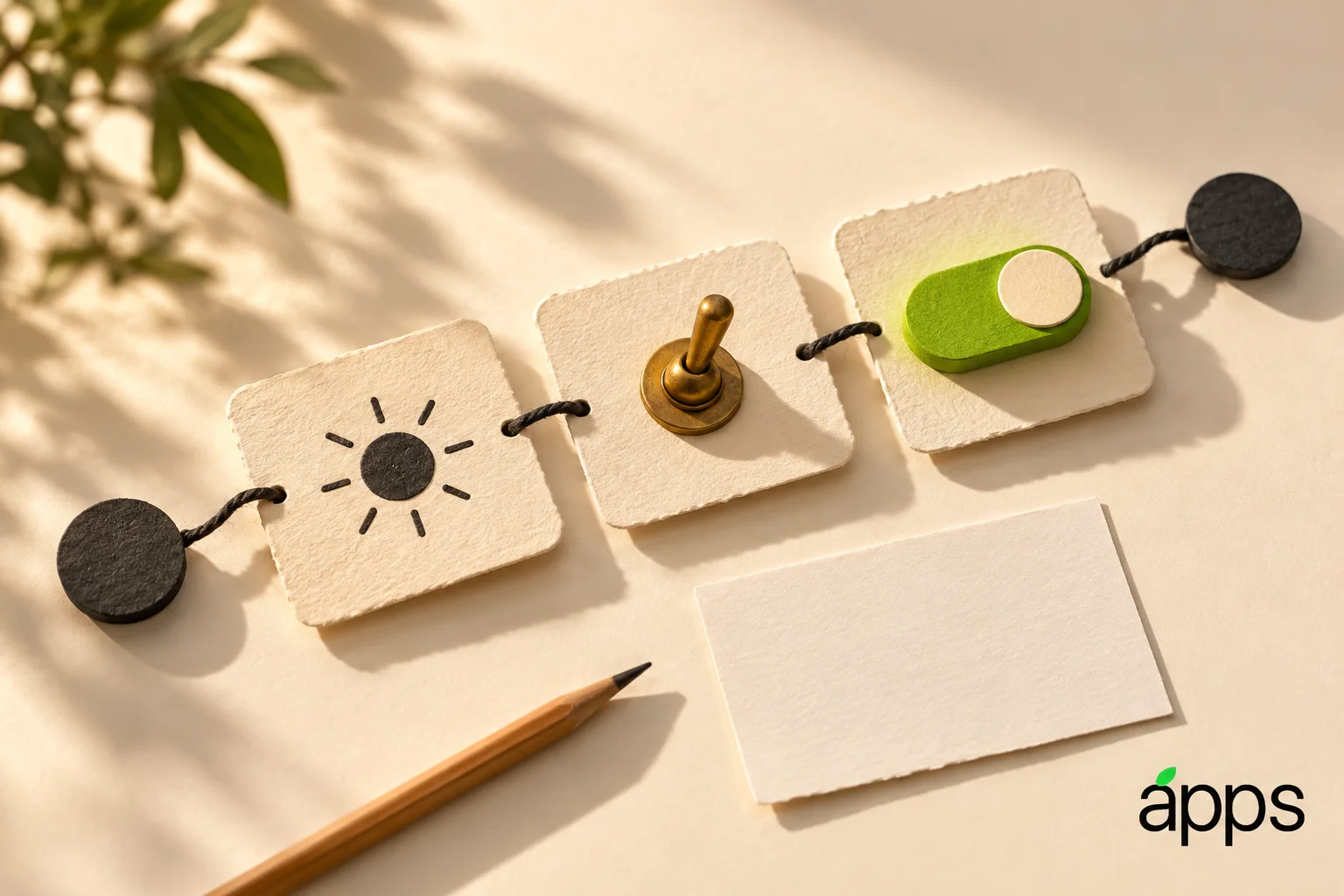
If you use the Action button, choose one job you repeatedly reach for. It might be opening a capture tool or a Shortcut you already understand. Resist changing it every day simply because more choices are available.
Test the action in the situation where you expect to need it. A shortcut that is pleasant to demonstrate at a desk may be awkward when you are holding a bag or trying to remember a thought. Notice the extra steps, then simplify the routine.
For the camera, make one comparison with a subject you actually photograph. Keep the scene familiar. Looking closely at an ordinary result can teach you more about your own preferences than filling the library with elaborate test shots.