A desk upgrade often begins with a specification sheet. A more useful beginning is the task that currently makes you wait: the project that crawls, the file that takes too long to open, or the collection of apps you need at once.
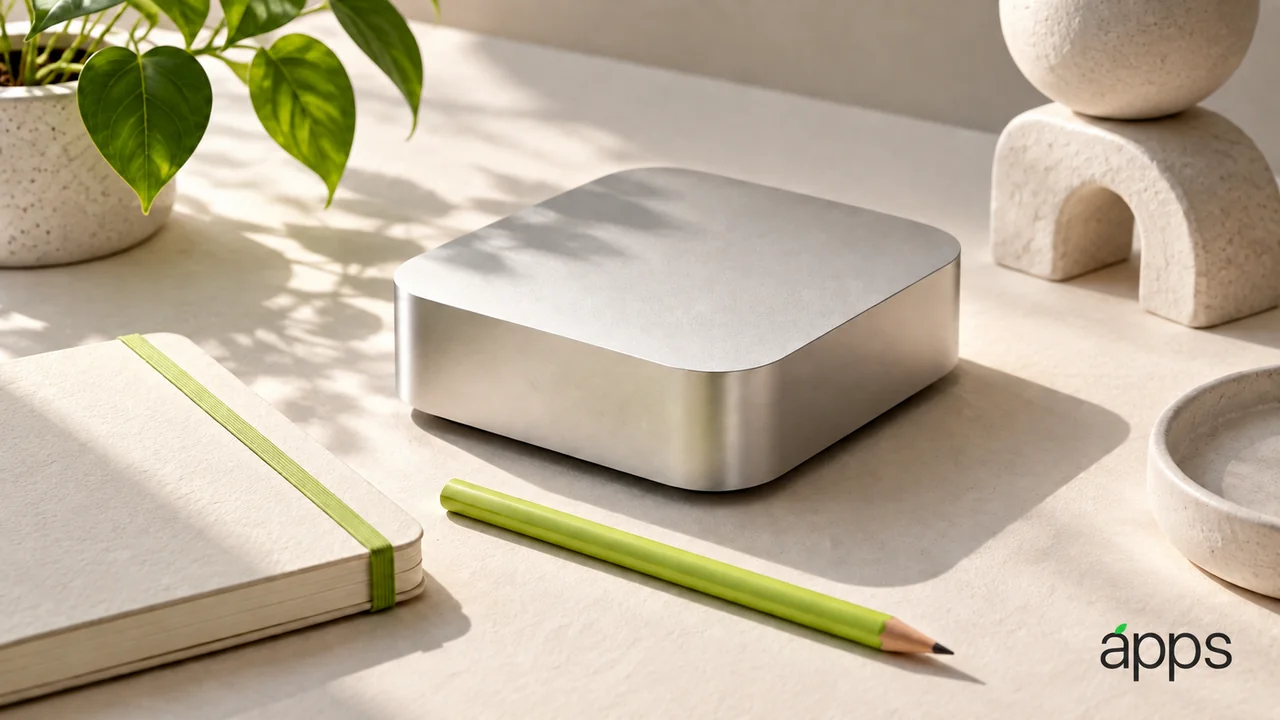
Apple’s September 22 announcement confirms the new Mac mini is available with M6 or M5 Pro. Apple positions the compact desktop across everyday and more demanding work. Apple reports performance figures under its own test conditions.
The AppleApps take
Write down five tasks from a typical week. Include the apps, project sizes and connected equipment involved. Then identify which task is genuinely slow and which is simply awkward.
Those are different problems. A faster processor might help one workload while leaving a confusing file arrangement exactly as confusing. The goal is to spend on the constraint you can identify.
For each important app, check the developer’s current compatibility information and any plug-ins you rely on. If a project depends on one older extension, that detail can matter more than a headline about overall speed.
Budget for the whole desk
A small computer still belongs to a larger working arrangement. Consider the display, keyboard, storage, cables and backup approach you intend to use.
Name what you already have and what must be replaced. Check the connections rather than assuming every familiar accessory fits the new arrangement. Give project storage a clear role: working files, completed files and another appropriate copy are separate needs.
If you are moving from a laptop-centered routine, think about the work you do away from the desk. The appeal of a fixed workspace should match the way you actually spend the week.
Try a representative task
Before committing, find a suitable way to assess the workload that matters to you. Ask questions about your exact apps and file sizes rather than accepting a general demonstration as proof.