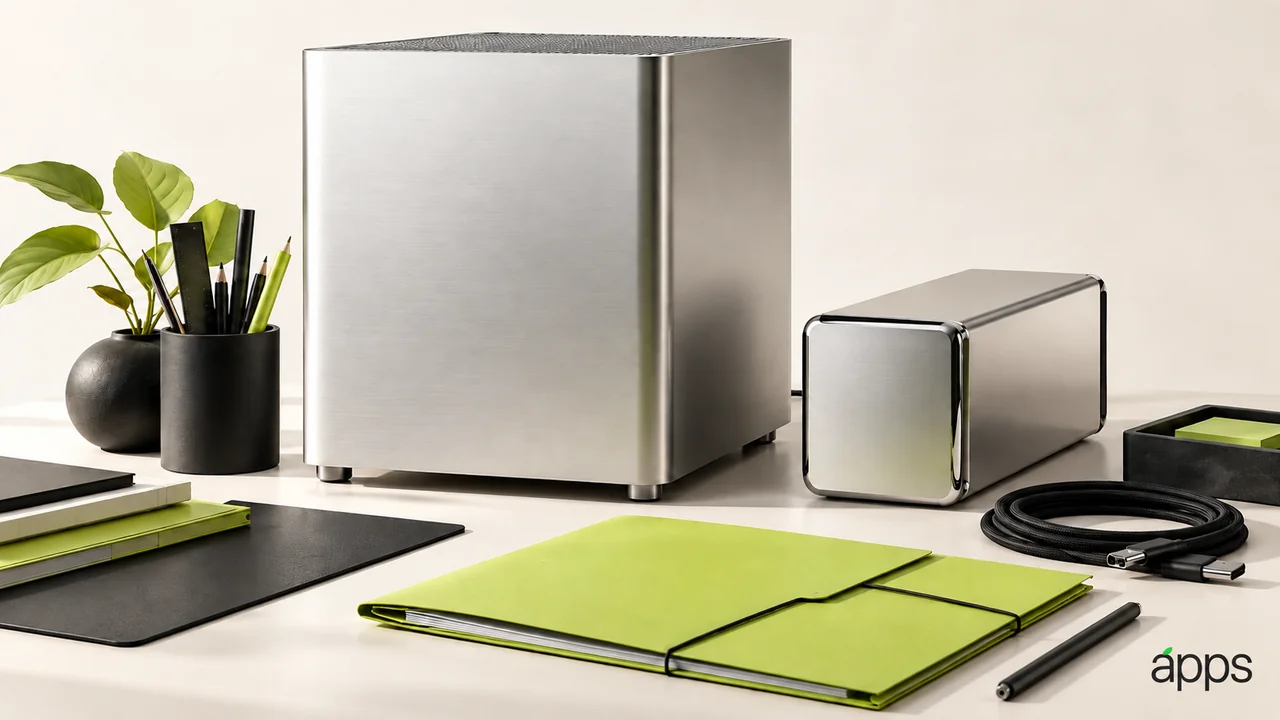
A creative workstation has two audiences. One is the person working at the desk. The other is the person waiting for the finished file. An impressive computer needs to serve both.
Apple’s September 22 announcement confirms Mac Studio is available with M5 Max or M5 Ultra. The range targets demanding professional workloads, including creative production and on-device AI. Apple’s speed comparisons reflect its own test conditions.
The AppleApps take
Look at the last project that caused a serious delay. Where did the time go? Importing media, previewing an effect, rendering, transferring files or waiting for a collaborator can all feel like “the computer is slow.”
Choose the part you can identify and reproduce. A workstation decision becomes clearer when the requirement is a specific workload rather than a wish to make everything faster.
Map the tools around that workload. Check the main app, essential plug-ins and any connected hardware against current vendor requirements. A project that opens is not necessarily a project whose entire production chain works as expected.
Protect the handover
Before moving an important workflow, make a representative test project. Include the formats, effects and assets that you actually deliver. Keep it small enough to inspect, but realistic enough to reveal a missing dependency.
Run the project through to the intended output. Review the exported result in the way the recipient will use it. That step can reveal a problem that an attractive preview at the desk does not.
Give storage the same attention as compute. Decide where source material, active projects and completed work belong. If several people share a project, agree on the file organization before introducing a new machine into the arrangement.
Know what success looks like
Write the desired result in ordinary language: a shorter wait for a particular preview, a smoother edit of a known project or a dependable export before a deadline. Keep the original project and timing notes so you can compare later.