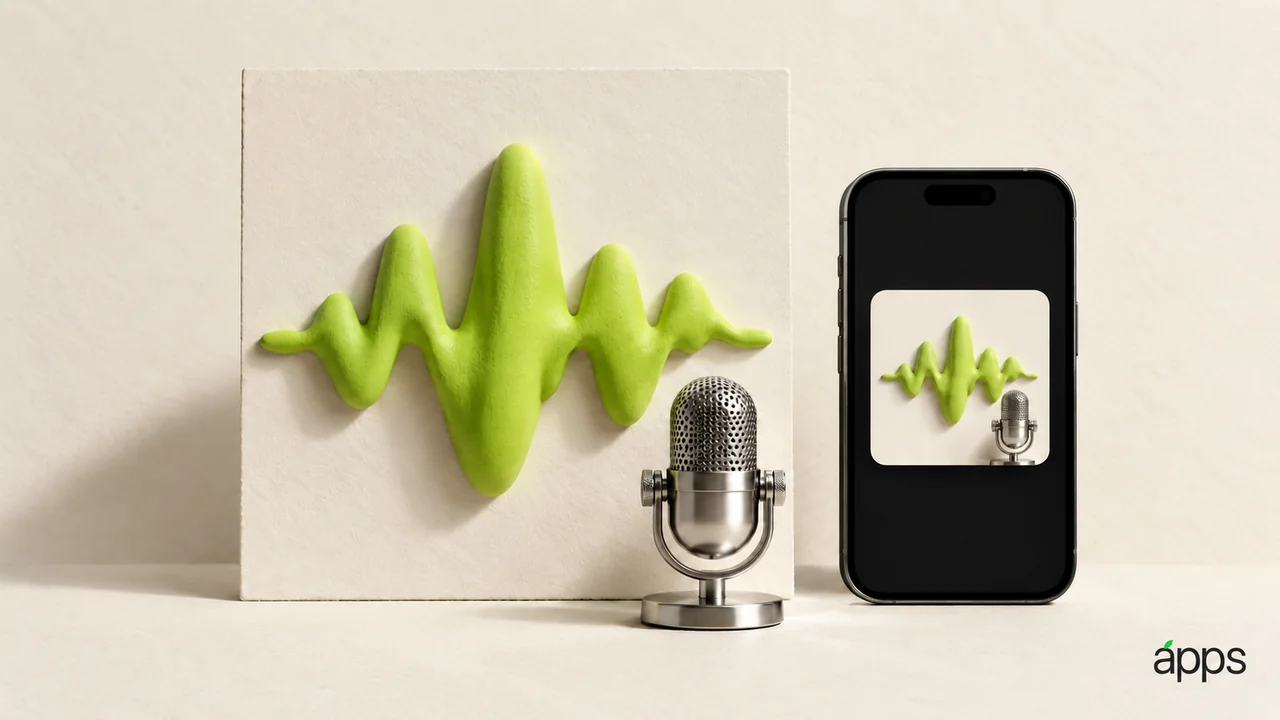
Apple's 29 September 2026 creative-app updates include new podcast-cover templates in Pixelmator Pro for iPad 4.4. Apple's release notes describe a Podcasts collection sized for major platforms. Templates provide a starting point; they do not decide what your show should sound or look like. Apple update, Pixelmator release notes.
Imagine a listener finding your show while waiting for a train. They are looking at a small square among many other small squares. Your cover has a brief opportunity to say, “Yes, this is the one.”
Start with the name, not the decoration
Write the show name on its own. Then write one sentence about what a listener gets from an episode. Keep that second sentence beside the design as a brief, rather than automatically squeezing it onto the cover.
Choose one visual idea that belongs to the show. A conversation about architecture, a neighbourhood football podcast, and a quiet poetry reading should not need the same visual personality.
Use images and lettering you own, have licensed, or are allowed to use. Keep a record of those permissions with the working file. A template is a layout aid, not permission to borrow somebody else's photograph or brand.
Give it the small-square test
Make three versions that change one important decision: perhaps the type size, the crop, or the background colour. View them small, beside each other, without relying on the large editing canvas.
Can you read the essential name? Can you recognise the show without reading every word? Does the image still make sense when a little detail disappears?
Ask someone who has not watched you design it to point to the strongest version. Give them the brief first, then listen to what they noticed. “I like blue” is a preference; “I could read the name immediately” is a useful observation.